Friday, 4 September 2026 💡 Good Habit
SIM Swap Scam: How Fraudsters Steal Your Bank OTPs
A scammer gets your phone number moved onto a new SIM card without your knowledge, so your bank's OTPs go straight to them instead of you.
Why this matters
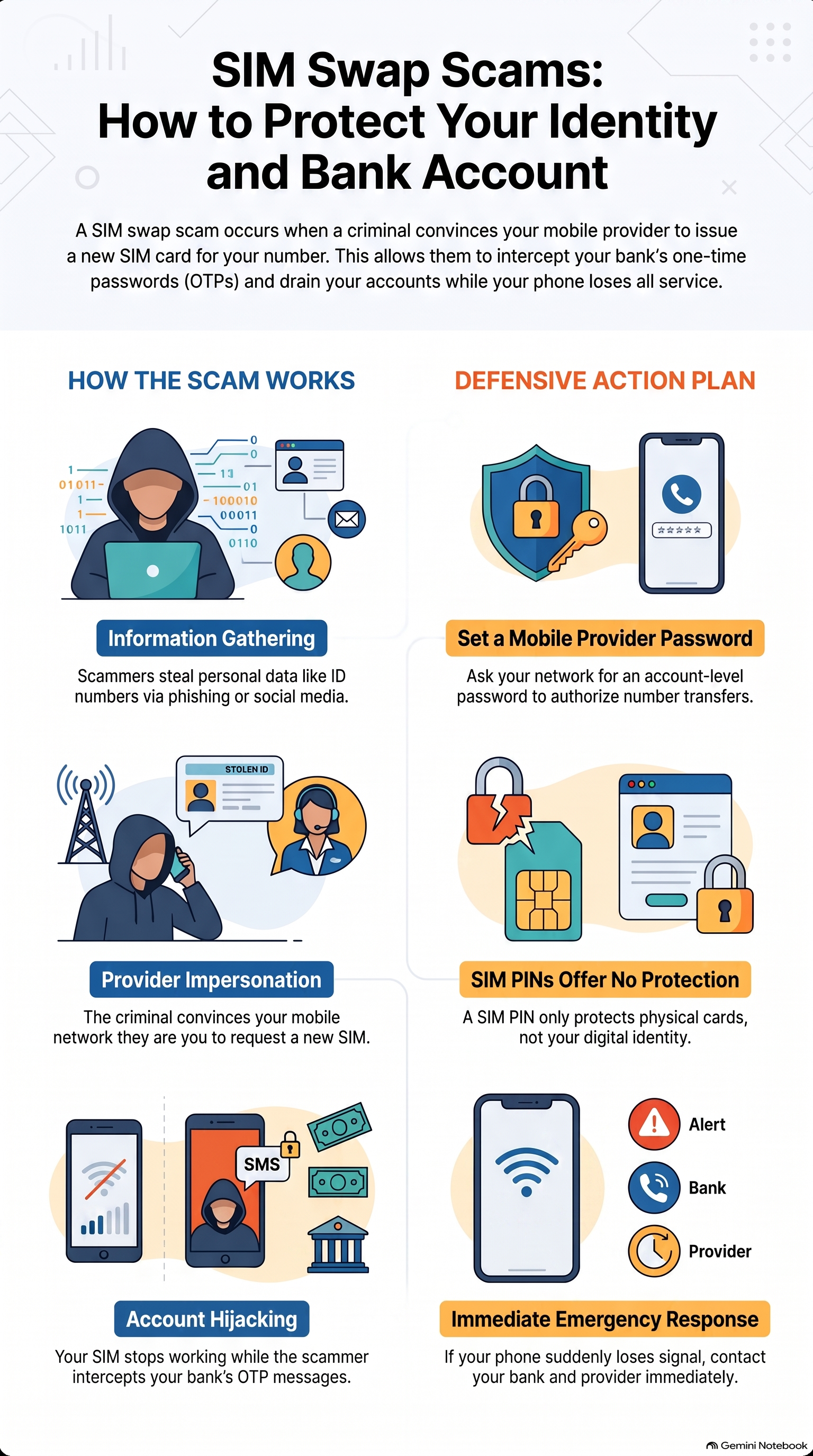
A SIM swap is when a scammer gets your phone company (Vodacom, MTN, etc.) to issue a new SIM card with your cellphone number — without you knowing. Once they do this, all your calls and SMSes, including your bank's one-time PINs (OTPs), go to their phone instead of yours. Your own phone suddenly loses signal and shows "no service".
How to do it
Step 1 — They gather information about you first: through phishing SMSes or calls pretending to be your bank, information shared on social media, or data stolen in earlier data leaks. Step 2 — They approach your phone company (in person, online, or via an app) and, using enough of your personal details (ID number, full name, date of birth, address), convince the company that they are you, claiming they "lost" their SIM or it was "damaged", and ask for a new one. Step 3 — Once the new SIM is active, your old SIM stops working. They now receive your bank's OTPs and can transfer money or make online purchases in your name.
Quick recap
- A PIN code on the physical SIM card (the code you enter when switching on your phone) only stops someone who removes your actual SIM and puts it into another phone — it does NOT protect you against a SIM swap, because the scammer gets a brand-new SIM straight from the network company and never needs your physical card.
- Set a PIN or password on your account with your phone company itself (Vodacom, MTN, etc. — not the SIM), so nobody can transfer your number without that code.
- Never share your ID number, date of birth, or other personal details over the phone or by SMS, no matter who is calling.
- If your phone suddenly has no signal for no reason, call your phone company and your bank immediately.
- Turn on your bank's SMS/app notifications so you see every transaction as it happens.
Source: OAC Cyber Safety Brief — Tips & Tricks
🧠 Check Yourself — Quick Quiz
Loading quiz…